>
>
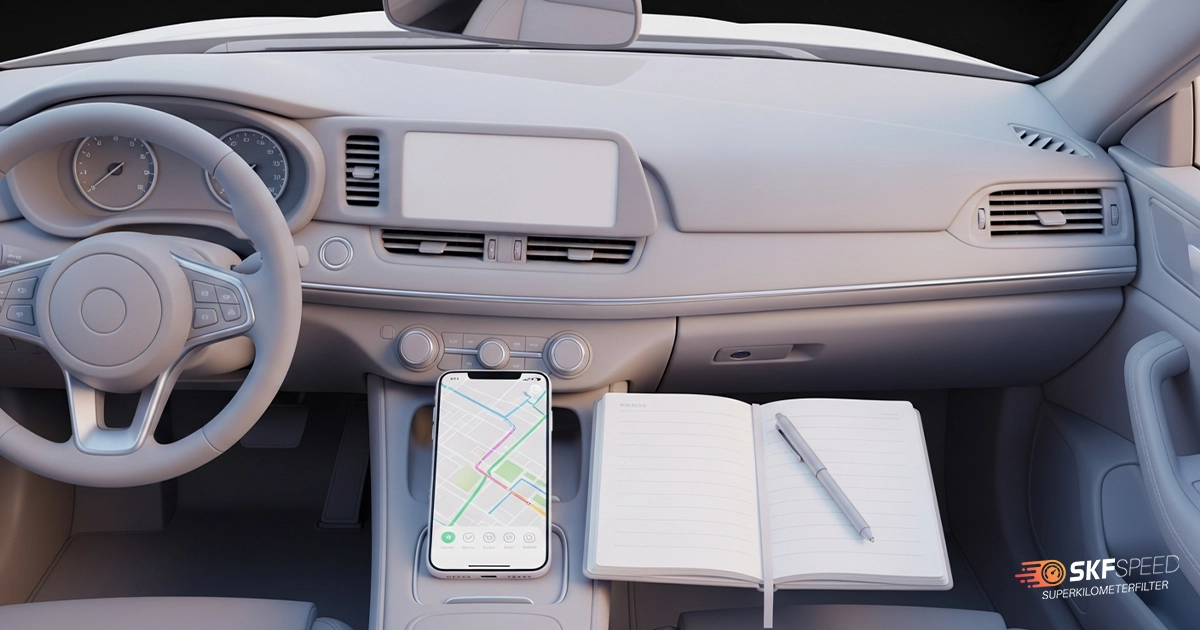
Creating a mileage log is a widely accepted way to track your vehicle’s mileage, and even a notebook can be a reliable tool if you do it correctly. Ready-made notes are helpful in various ways, including for tax deductions and for managing business vehicles or personal savings. In short, it is not just a list of trip descriptions; it can be very powerful financial evidence for you, whether you are a business owner, self-employed, an employee, or just an individual who wants to have control over car-related finances.
In the following blog, you will learn all the important aspects about vehicle mileage log, what is considered an acceptable format, the best way to create it from scratch, and what are good tools for tracking mileage.
Mileage log is a written record of your business mileage, which is necessary data for your employer or IRS to make proper tax deductions and reimbursement. There are several ways to handle logs; you can choose the one you prefer. It can be manual note-taking or a printable version: Excel, Google Sheets or PDF. The main point is to do it correctly.
Proper notes should include the following important details:
Below, we present an annual overview of the notes and how they should be visually presented.
| Date | Trip Purpose | Start Location | End Location | Odometer Start | Odometer End | Miles/Km Driven | Notes |
| 2025-01-16 | Contract signing with business partner | Home | Client Office | 10,540 km | 10,566 km | 26 km | Parking paid |
| 2025-01-19 | Office supply run | Office | Stationery Store | 10,566 km | 10,580 km | 14 km | Business expense |
| 2025-01-22 | Picking up company documents | office | Partner office | 10,580 km | 10,634 km | 54 km | Round trip |
| 2025-01-23 | Delivery to vendor or supplier | Office | Vendor Location | 10,634 km | 10,652 km | 18 km | — |
| 2025-01-28 | Bank visit for business transaction | Office | Bank | 10,652 km | 10,660 km | 8 km |
An IRS-accepted vehicle mileage log is a record of mileage for a purposeful trip (business, charity, medical, or moving) that will be deductible later.
The IRS (Internal Revenue Service) sets the standard rate every year for different purposes. The rate varies from year to year. As usual, they calculate the rate based on the fixed and variable costs of operating a vehicle. Fixed costs usually include ownership, insurance, depreciation or registration, while variable costs include fuel, parking, maintenance, etc. Over the last three consecutive years, the business rate has increased by 5 cents.
Using the standard rate is optional. Taxpayers (Businesses or individuals) can choose whether to use the standard rate or the actual cost of operating the vehicle. If they choose the standard reimbursement rate, they should request the organised mileage records. The well-organised records allow the employer and employee to have a good understanding of the amount of reimbursement.
All kinds of documentary evidence are considered adequate records if they include all the important information. Proving the business purpose of the trip is vital when it is not self-explanatory from the surrounding circumstances. When the proof is clear, you no longer need additional written statement. Below, we provide two different situations which display different situations:

David is a marketing specialist. He drives from her office to a client’s headquarters for a scheduled strategy meeting. So mileage log entry includes the following:
Trip Purpose: “Meeting with Client in Tech Corp – Strategy Review”
Start: Office
End: Tech Corp
Distance: 10 km
The situation is self-explanatory; The client’s name is recognised as a business partner. The location and purpose directly align with the job duties. No further proof from the employee is needed that it is for a business purpose.
David drives from her home office to a café to meet a potential new client who contacted her through Gmail. Because it’s a non-business location, the purpose is not immediately clear without context.
Log Entry Example:
Trip Purpose: “Meeting – Café Corner”
Start: Home Office
End: Café Corner
Distance: 11 km
The situation needs further proof from the employee, because without context, “meeting at café” could be personal and unrelated to work. This kind of explanatory statement could solve the potential issue: “Met with potential client (name.) from social network regarding upcoming digital marketing project. Discussed project content and agreed to send a proposal”.
In the following paragraph, we will note down every step you should take for the most optimal mileage note-taking.
Vehicle mileage log creation requires several important steps that you should take for successful note-taking.
If you can’t provide complete records which include dates, trip purpose and driven miles, you may risk missing out on deserved tax savings. The IRS requests evidence, and notes are the most concrete evidence. Missing that saving may harm you financially is quite demotivating. Regarding this, it may affect your employer’s trust.
Having Mileage log becomes easier when you use apps and tools for mileage tracking. The most popular mileage tracking tools are listed below, you can use the one that fits you the best.
This tracker is perfect for individuals and companies who want to manage the mileage of multiple vehicles. It is a trusted tracker which scans receipts, categorises transactions and generates reports. The tracker offers different modes of tracking: auto GPS, manual, even Bluetooth/vehicle integrations.
This app tracks mileage automatically, so you don’t have to stop and log a drive. It offers automatic detection of drives — you don’t have to manually start or stop anything. You just “swipe” to classify each trip as business or personal, and the app builds a clean log.
It is a good mileage tracker for freelancers, employers or any individual who wants to have an eye on the mileage and calculate their personal and business expenses separately. They promise to build an IRS-compliant vehicle mileage log for you, which you can export at any time from your phone or computer. They offer synchronisation of your expenses automatically, and Simplified receipt management.
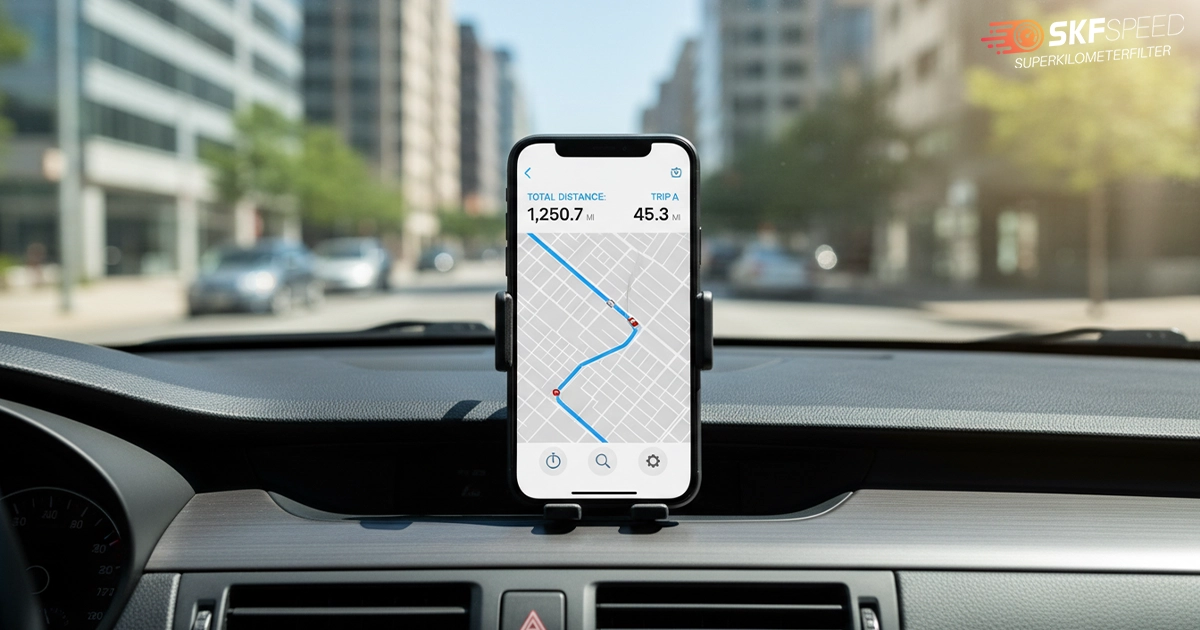
SKF Speed App is a unique application, initially created to control the Mileage blocker that can halt the mileage recording process in all control units. However, it has several features, including mileage counting and control. Even though you haven’t yet installed Mileage Blocker on your vehicle, you can still enjoy this app from Super kilometer Filter.
The main benefits of the application are:
So, as you see, you have a wide range of choices between trackers, apps and tools that make it easier for you to have your own mileage log, which will serve you in many ways.
The monthly and annual total calculation means summing the mileage driven each day. Let’s do both calculations based on real numbers.
Monthly total for February
| Feb 2 | 13km |
| Feb 10 | 18km |
| Feb 12 | 25km |
| Feb 15 | 15km |
| Feb 17 | 10km |
As you have vehicle mileage log with the exact data, you can calculate the monthly total:
13km+18km+25km+15km+10km=81km
Annual mileage Total for 2025
Let’s say the employee was using the vehicle for business purposes in those months throughout the year
| January | 140km |
| March | 123km |
| June | 105km |
| September | 95km |
| December | 85km |
140km+123km+105km+95km+85km=548km
Mileage log is a very important tool for you, no matter who you are: an Individual who wants to track mileage, an employee who wants to get deserved reimbursement or a business owner who wants to take advantage of key tax deductions. So, master at optimal note-taking and use the method that works best for you.




Here you will find all the details about our company
Here you will find shipping and return related information
Here you will find information on all technical questions
Here you will find helpful information about installation



 Deutsch
  Русский
  Español
  Italiano
  Français
  Portuguese
  Türkçe
  Ελληνικά